AI Video Generator for Travel Content
Create travel videos for TikTok and Instagram Reels. Turn destinations, itineraries, and travel tips into short-form video content in seconds.
See It in Action
Real examples generated by AI from a single prompt.
“We're WanderStay, a boutique travel blog covering Portugal for solo travelers. Top 4 hidden gems in Lisbon that tourists always miss.”
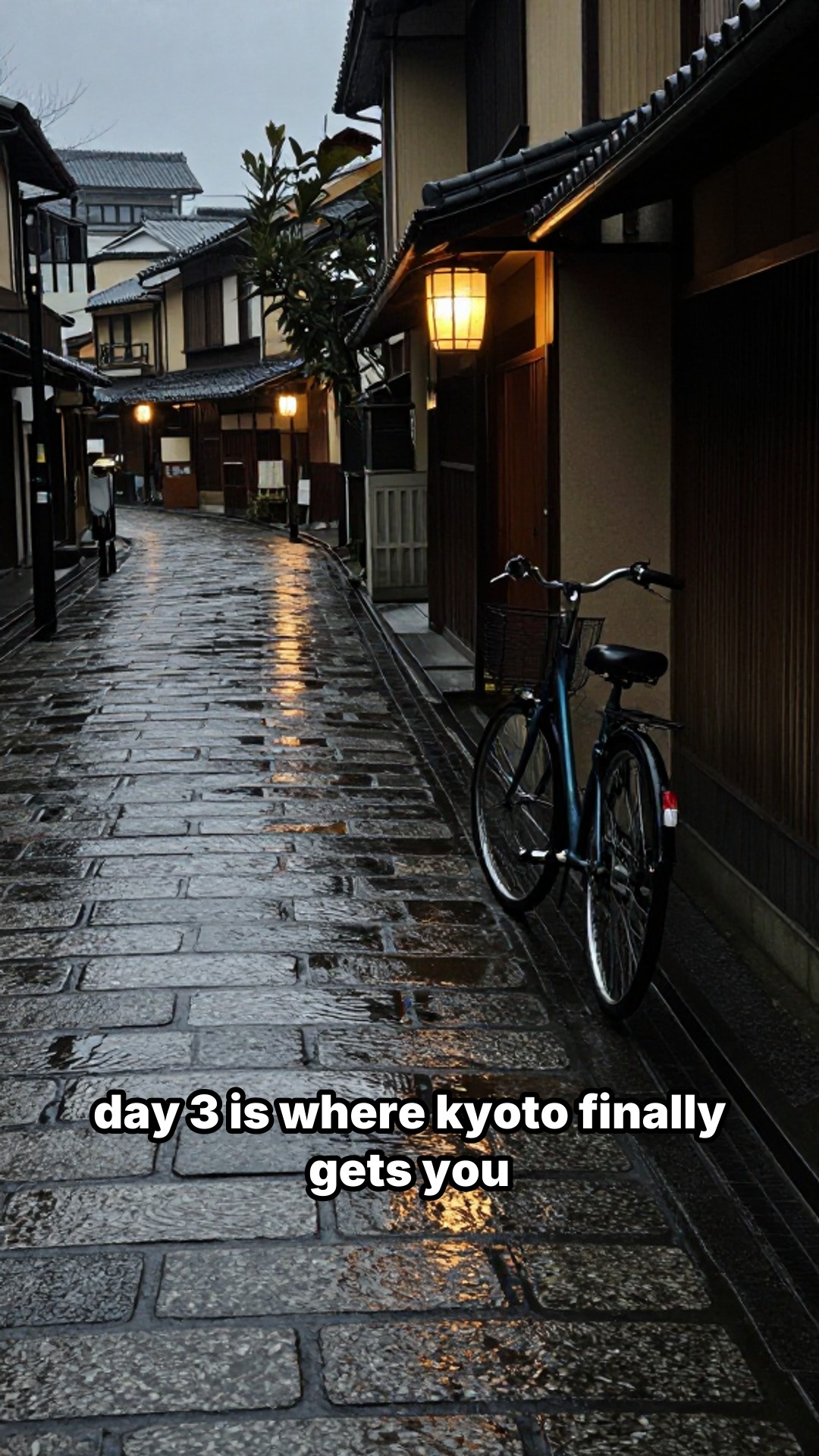
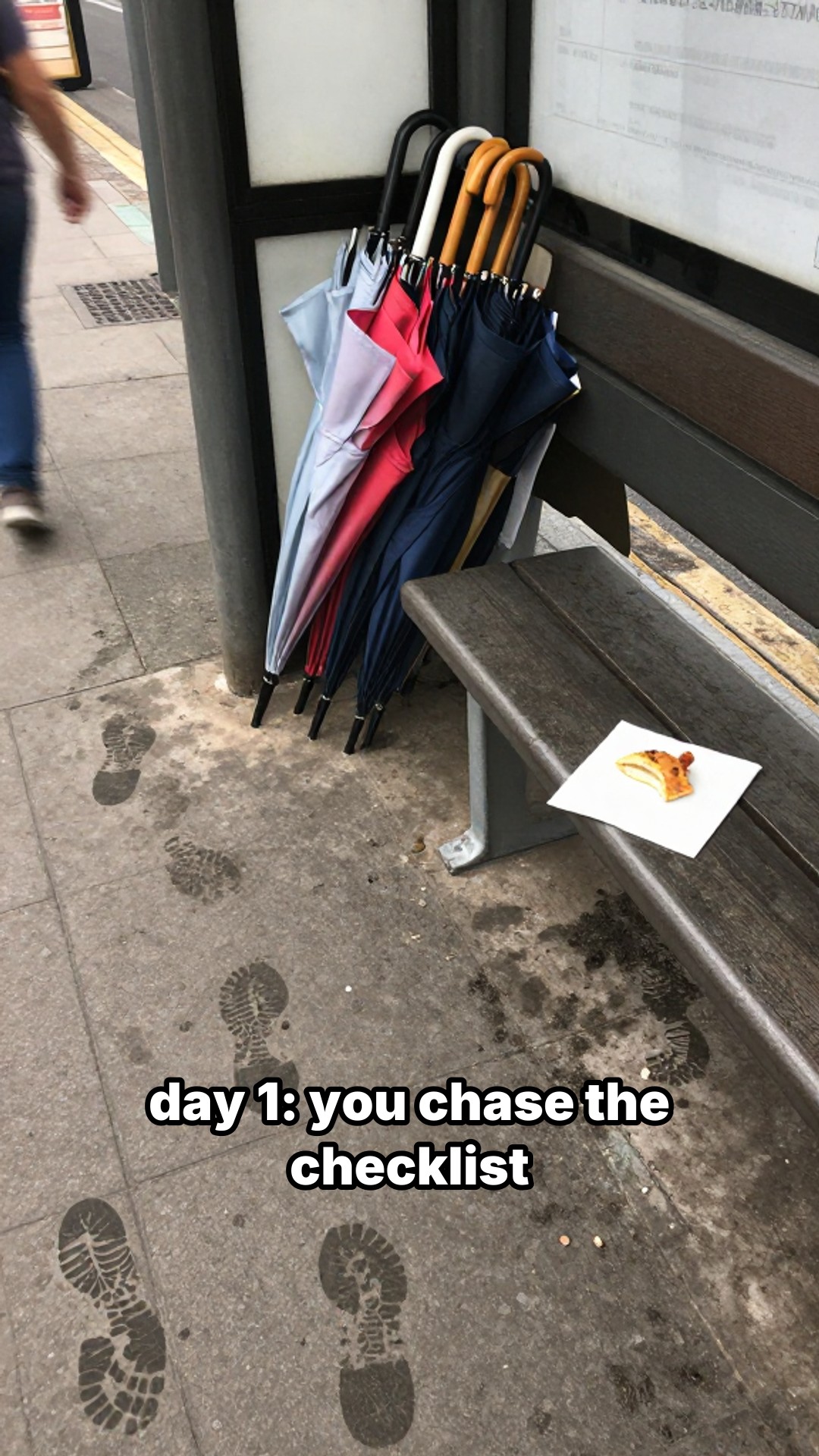
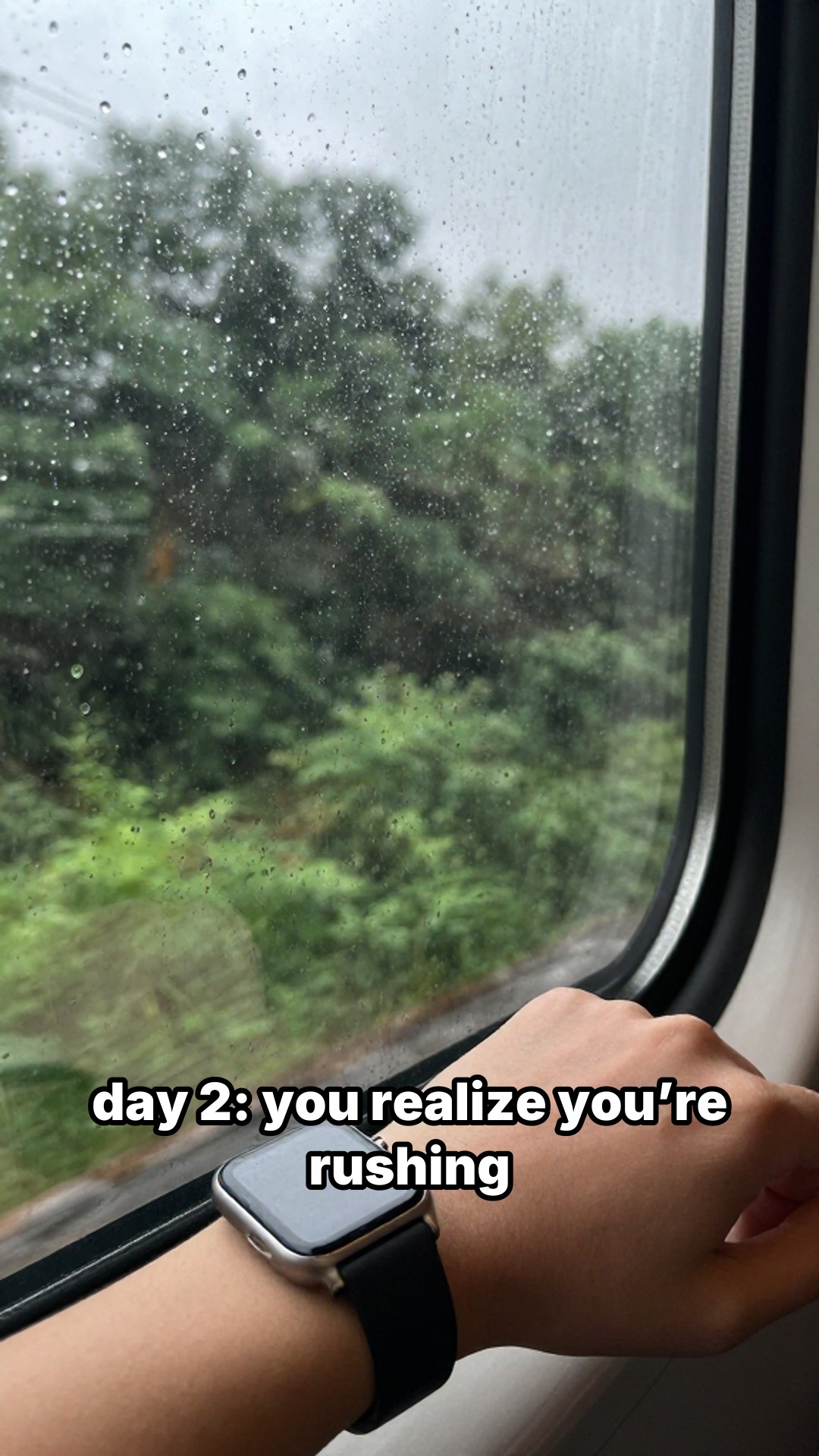
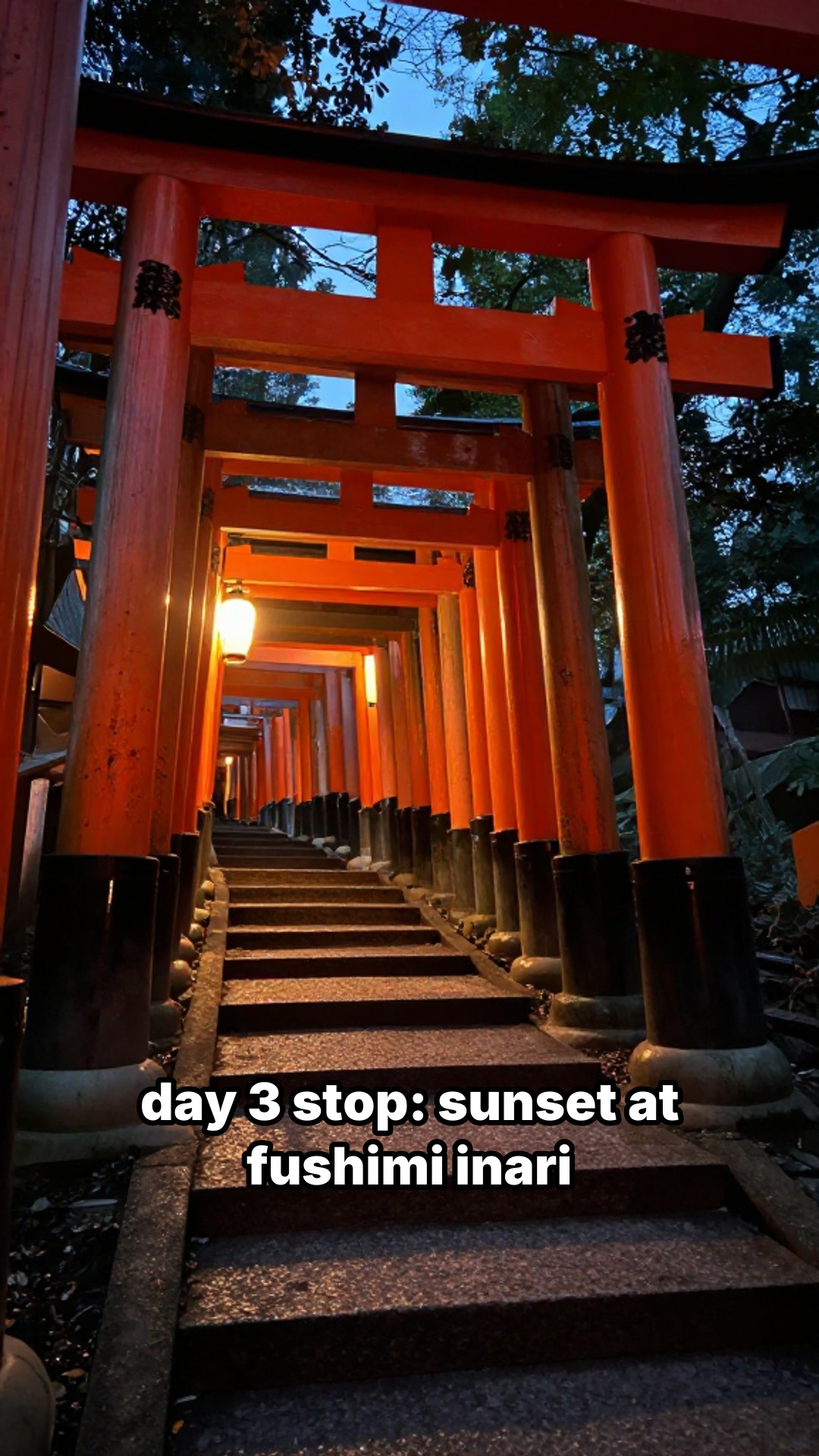
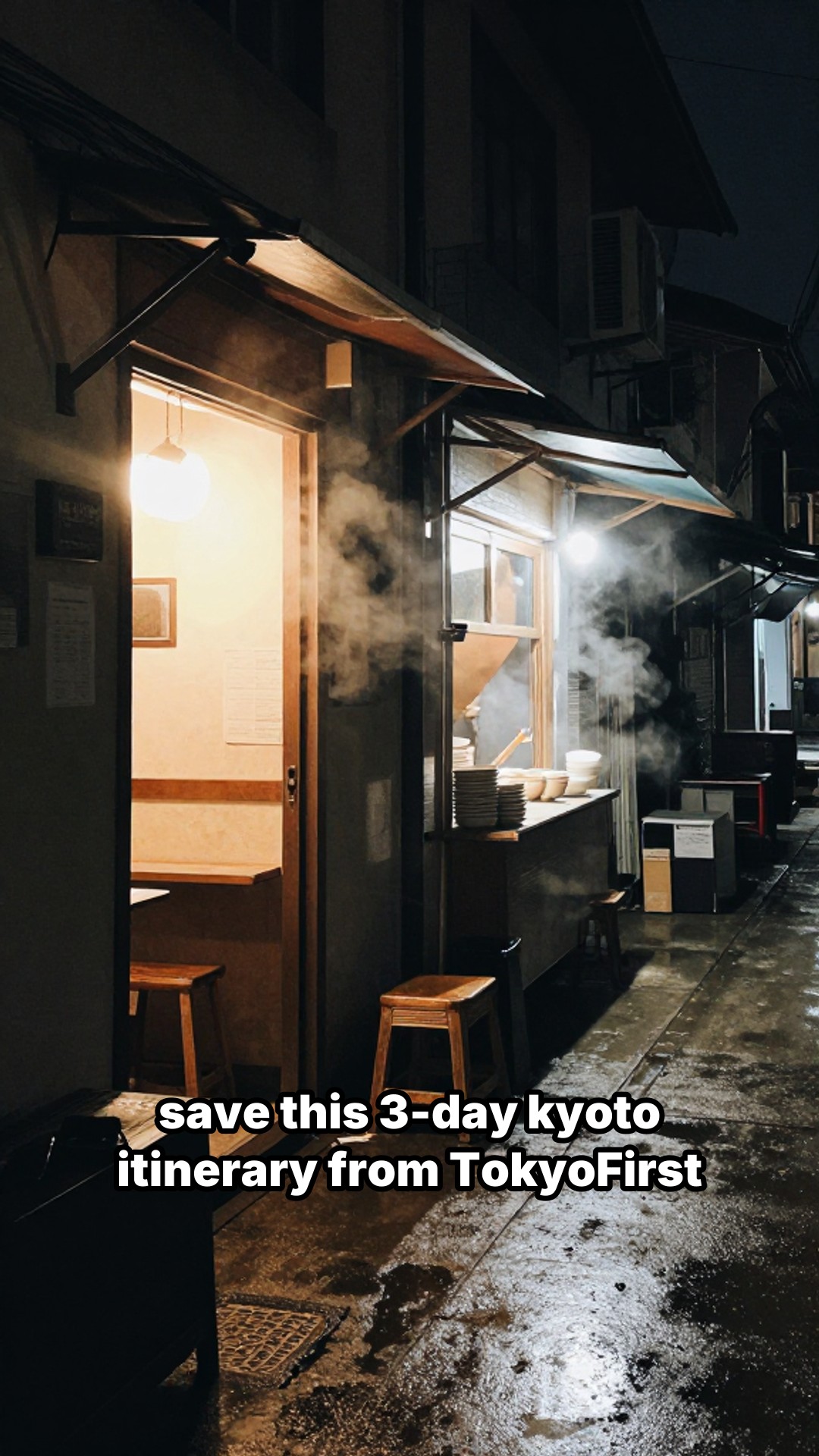
“We're TokyoFirst, a Japan travel guide for first-time visitors. 3 day Kyoto itinerary, one stop per slide.”
A travel creator's week, with and without this tool
Say you are a travel blogger covering Portugal for two weeks. You visit Lisbon, Porto, the Algarve, Sintra, and a handful of smaller towns along the way. Each location gives you material for at least three posts: a "top things to do" grid, a day-by-day itinerary slideshow, and a comparison post pitting one city against another.
Without lowkey viral, you are pulling out your laptop every evening to edit footage, find the right clips, add text overlays, export at 1080x1920, and hope the aspect ratio does not get mangled when you upload. That is 2-3 hours of editing per post. Across two weeks and fifteen pieces of content, you just donated 30+ hours to video production instead of actually experiencing the trip.
With lowkey viral, you open the dashboard at the end of the day, upload the photos you took that day, let the AI write the hook and panel titles, and render. Fifteen minutes, tops. The rest of the evening is yours.
Your photos vs. AI-generated images
If you are posting about places you actually visited, use your own travel photos. You already have them on your phone. Create a manual brief, upload your shots, and the tool handles the layout, text overlays, and rendering into a 1080x1920 video or slideshow. Your photos are what make the content feel real, and travel audiences notice the difference.
AI-generated images have a different use case. They work for roundup content where you do not have photos of every location: "top 5 underrated cities in Southeast Asia" when you have only been to three of them, or a tourism board producing content for 40 destinations before photographers visit all of them. They also work for conceptual posts like "beach vs. mountain vacations" where the visual is illustrative, not documentary.
The tool supports both workflows. Upload your own images through a manual brief on the dashboard, or let the AI generate images when you do not have the right photo. You can mix them in the same video if it makes sense, like using your own shot for one panel and an AI image for a destination you have not visited yet.
What makes a good travel prompt
The AI generates five brief options per prompt. You get better results when you describe your brand or blog alongside the topic. Vague prompts like "things to do in Italy" produce generic output. Prompts that include who you are, what kind of traveler you serve, and the specific topic give you briefs that sound like your brand wrote them.
Examples that produce strong briefs:
- "We're WanderStay, a boutique travel blog for solo travelers in Japan. We feature affordable ryokans and guesthouses, mostly in Kyoto and the countryside."
- "We're Road Trip Cali, our account covers weekend road trips from LA. This one is LA to Joshua Tree, 4 stops worth making along the way."
- "We're Visit Portugal First, a travel page comparing cities for first-time visitors. This post: Porto vs. Lisbon."
- "I run Street Eats Asia, a street food account focused on Southeast Asia. This week we're covering Bangkok's Chinatown, the best stalls."
- "We're IcelandReady, we help first-time visitors plan Iceland trips. This post is a 3 day itinerary for the south coast."
The AI picks up on the structure. A "vs." prompt generates a comparison grid. An itinerary prompt leans toward a multi-slide slideshow. A "top 4" prompt maps naturally to the 2x2 grid with one item per panel.
Formats that work for travel
2x2 grid videos are good for destination comparisons, "top 4" lists, and visual debates (city vs. city, beach vs. mountain). The grid format gives viewers four images at once, and these tend to get saved more than single-image posts. These are 5-second MP4 files at 1080x1920, ready for TikTok and Reels. You can pick from three grid designs: default, withCaptions, or noSpaces, depending on how much text you want on screen.
Photo slideshows work better when you need to tell a story across more than four frames. An itinerary post with 6 slides, each covering a different stop, gives viewers a reason to swipe. Slideshows output individual JPEG images with text overlays that you upload as a carousel. Caption styles include classic_bold, background_bar, and neon_glow.
Scaling up with the API
If you are a tourism board generating content for 40 destinations, or a travel agency producing weekly videos for a dozen tour packages, the dashboard works but the API is faster. Feed a list of destinations as prompts, generate briefs in bulk, render videos, and pull the finished files. PRO plan users get 10 API requests per minute. ULTIMATE gets 30.
An OpenClaw agent can handle the entire pipeline: take a spreadsheet of destinations, generate a brief for each one, create images, render videos, and deliver the files. No manual steps.
Create your first travel video for free. No credit card needed to start.