AI Video Generator for Restaurants & Food Brands
Create short videos for your restaurant or food brand. Turn menu highlights and food content into TikTok and Reels-ready videos.
See It in Action
Real examples generated by AI from a single prompt.
“We're Nonna's Table, a 20-seat trattoria in the West Village, everything handmade. Feature our 4 signature dishes.”
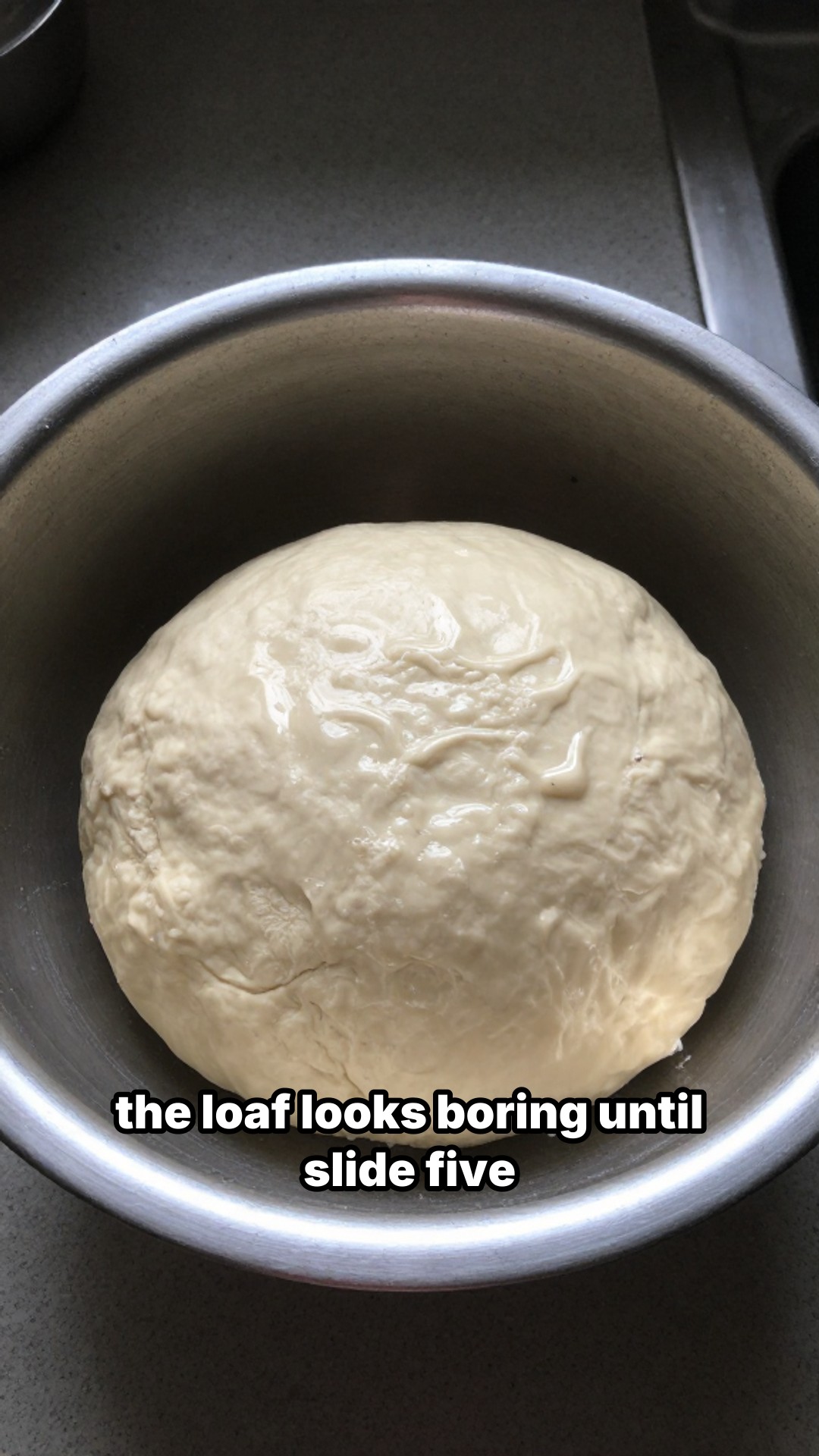
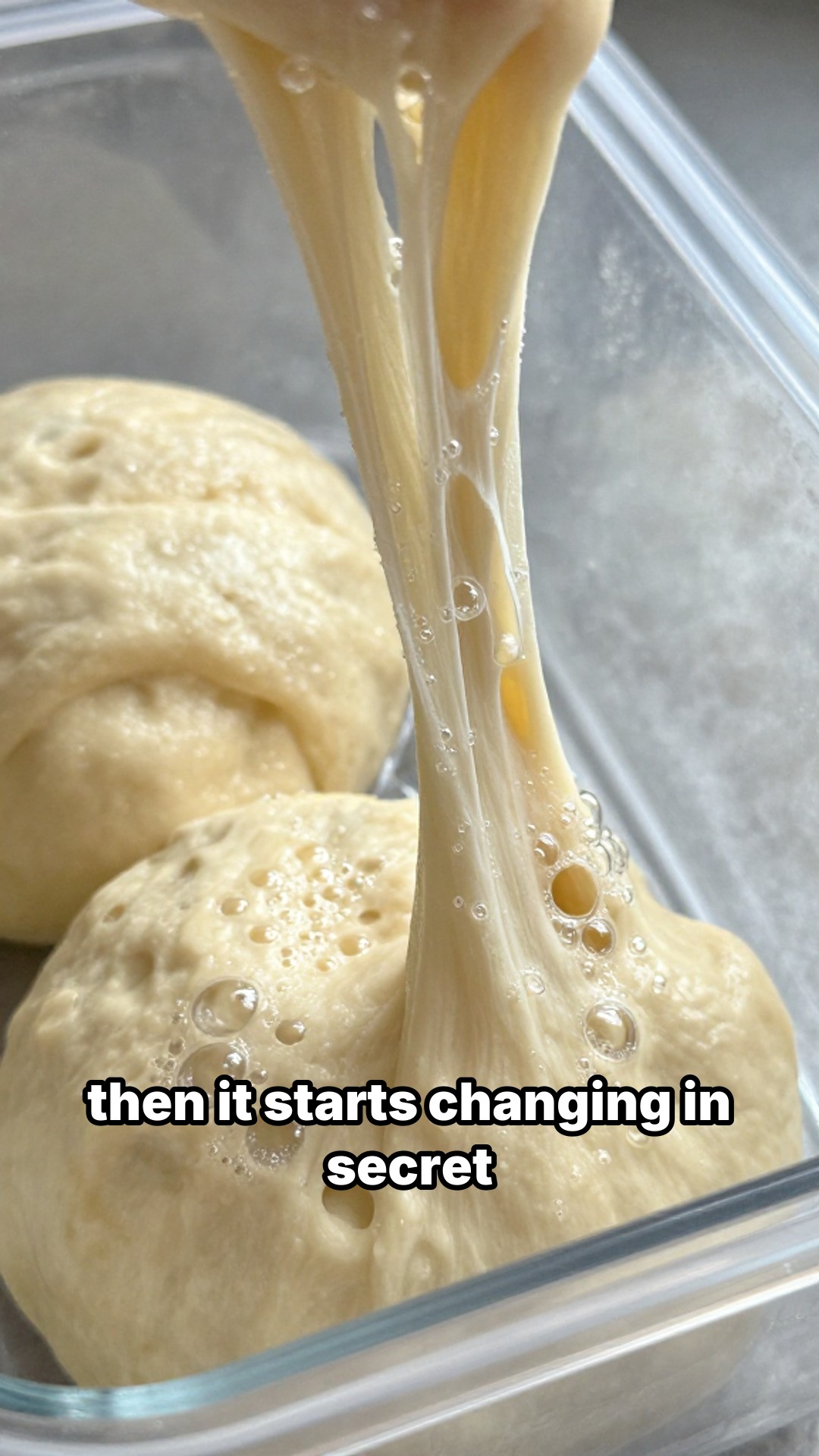
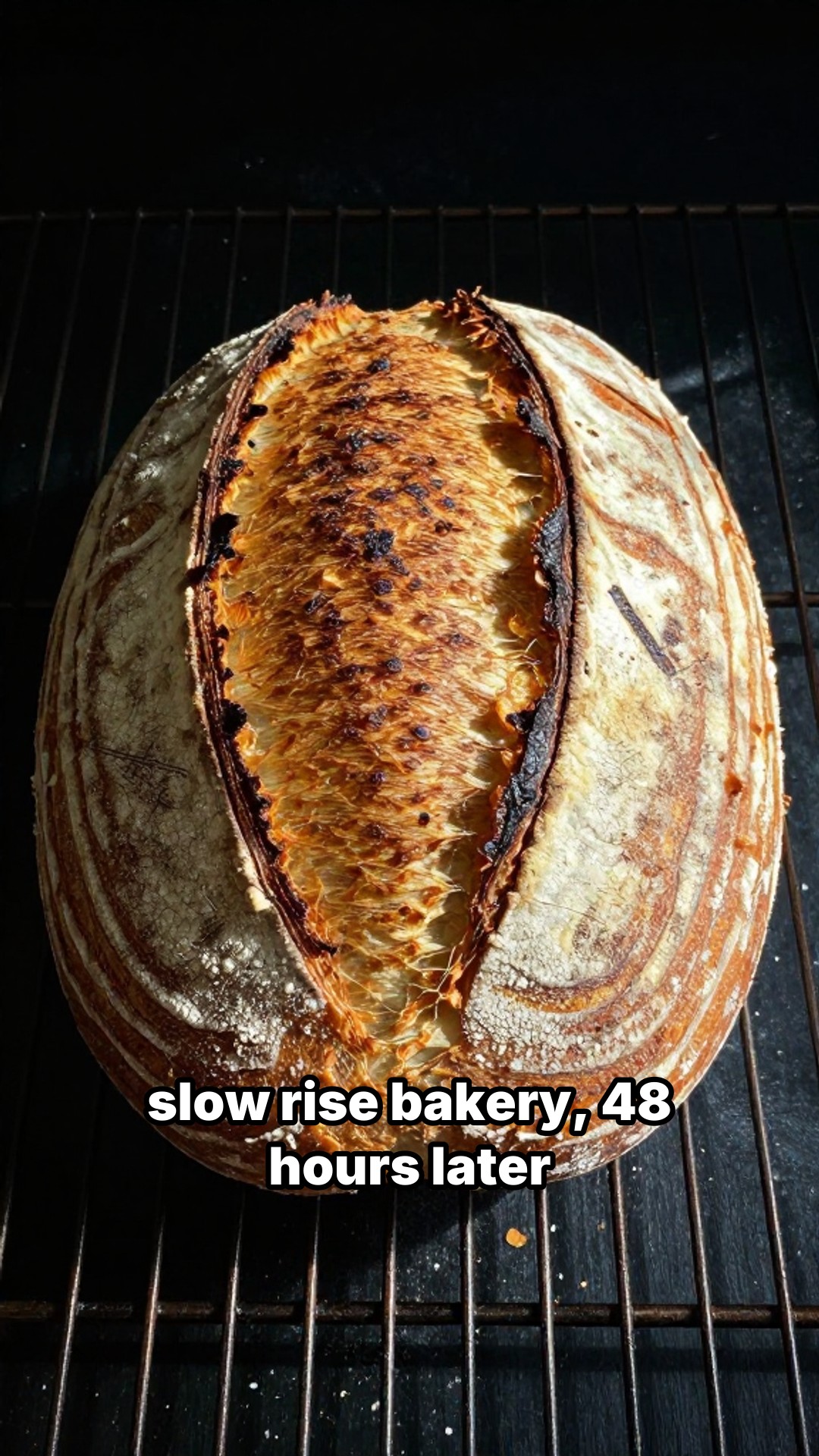
“We're Slow Rise Bakery, our sourdough process takes 48 hours. Show how we make it from starter to fresh loaf.”
Why the 2x2 grid works for food
Food is already a grid-native format. Think about how people order at a restaurant: they scan a menu looking for the four or five items that catch their eye. A 2x2 grid video does the same thing. Four dishes, four panels, each with a name overlaid. Viewers process the whole menu in a single glance and decide in half a second whether this place is worth saving.
This is why "4 dishes you need to try" posts consistently outperform single-dish hero shots on TikTok and Reels. The grid creates comparison, which creates opinions, which creates comments. Comments push reach.
lowkey viral renders these as 5-second vertical videos (1080x1920, 30fps). You have two options: upload your own dish photos (which most restaurants already have on their phone) and let the AI write the hook and panel titles, or use AI-generated images for concept-driven content like "best brunch spots in Austin" where you don't have specific photos. Either way, the tool handles the layout, text overlays, and rendering.
The reality of restaurant social media
Most restaurants do not have a content person. The owner, the manager, or sometimes a line cook with a decent phone handles the Instagram account. They post when they remember, usually a photo taken during a slow moment. There is no strategy and no consistency.
Here is what a realistic weekly content plan looks like using lowkey viral's dashboard:
Monday: "4 new dishes on our spring menu" (2x2 grid, withCaptions design)
Wednesday: "How we make our pasta from scratch" (photo slideshow, 5 slides, classic_bold captions)
Friday: "Weekend specials: what to order this Saturday" (2x2 grid, default design)
Each post takes about 3 minutes. For Monday and Friday, snap four quick photos on your phone, upload them, let the AI write the hook, and render. For Wednesday's slideshow, upload your process photos and the AI adds captions. If you don't have photos for a particular post, AI-generated images fill the gap. Fifteen minutes total for a week of content.
Prompt tips for food content
The AI generates better briefs when you describe your business alongside the topic. "Good Italian food" produces generic output. "We're Nonna's Table, a 20-seat trattoria in the West Village, everything is handmade, our signature dish is pappardelle with wild boar ragu" gives the AI enough context to write a brief that sounds like it came from someone who actually works there.
Prompts that work well:
- "We're Daisy's Kitchen, a brunch spot in Austin TX. Everything on the menu is under $15. We want to feature our 4 most popular items."
- "We're Chez Laurent, a fine dining restaurant with a 4-course tasting menu. This post is about our date night experience, appetizer to dessert."
- "We're Slow Rise Bakery and our sourdough process takes 48 hours. We want to show why." (good for a slideshow)
- "I'm Alex from Chicago Bites, a food blog comparing sushi spots around the city. This post: omakase vs. all-you-can-eat, what $50 gets you."
- "We're Brew & Bean, a specialty coffee shop, and our barista wants to feature her 3 favorite espresso drinks this winter."
For slideshows, include the number of slides you want and what each one should cover. "5-slide slideshow: our cocktail menu, one drink per slide with ingredients" gives you a swipeable carousel that doubles as a visual menu.
For food bloggers covering multiple spots
If you review restaurants across a city, the 2x2 grid becomes a visual signature. Every review gets the same format: four best dishes, restaurant name in the hook, neighborhood in the caption. Use your own photos from each visit for authentic content, or AI-generated images for roundup posts covering places you haven't photographed. Followers start recognizing your posts instantly.
At that volume, the API makes more sense than the dashboard. Feed ten restaurant descriptions into the API on Sunday, render ten videos, schedule them for the week. PRO plan gives you 10 requests per minute, ULTIMATE gives you 30.
For franchise operators and restaurant groups
A group managing 15 locations needs content for each one. The prompts are similar but the details differ: different addresses, different signature dishes, different local specials. The API handles this well. Pass in location-specific data, generate briefs and images, render videos. Each location gets its own content without anyone at headquarters manually building posts.
Try it free with no credit card, or check the API docs if you want to automate.